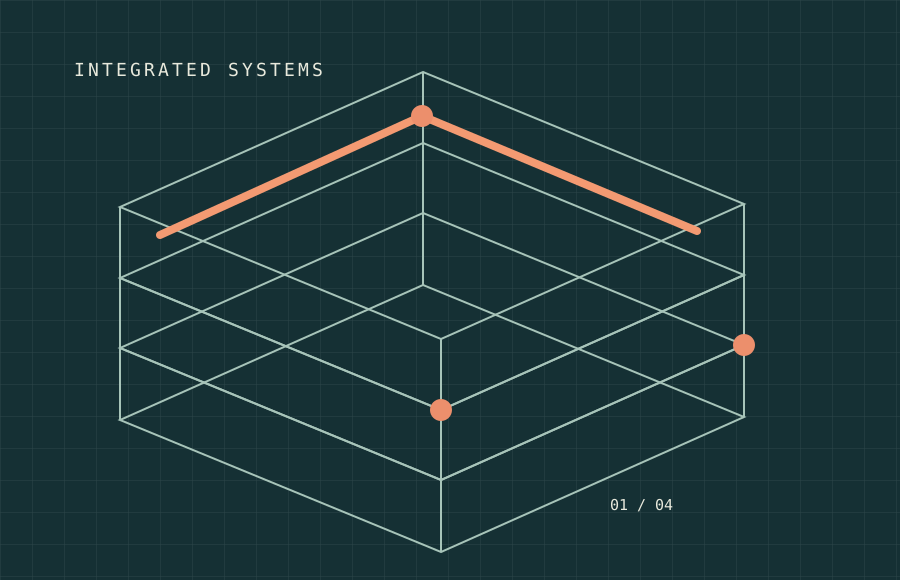
Pick a phase
Choose whether you are planning, delivering, operating or maintaining an asset.
A useful starting point for a technical conversation. Select a lifecycle phase and the disciplines involved, then carry your choices into a project enquiry.
The studio illustrates how DBI’s services can relate to a building at different moments in its working life. It is an illustrative planning experience, not a project design tool.
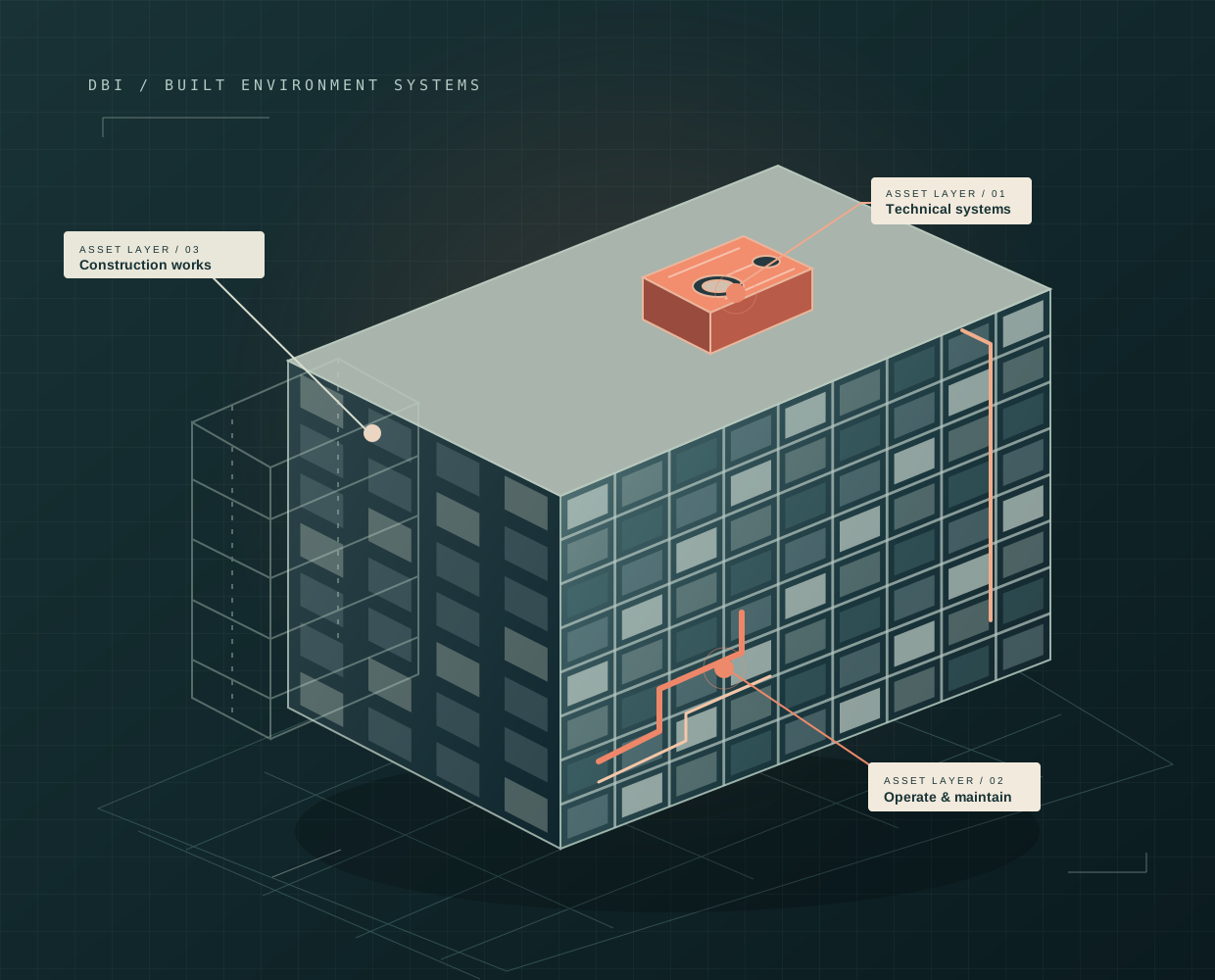
Start with the asset, condition, required outcomes, site context and stakeholders before selecting a scope.
Concept guide only. No specification, pricing or availability is implied.
There is no requirement to know technical terminology. DBI can help scope the appropriate solution once your situation is understood.
Choose whether you are planning, delivering, operating or maintaining an asset.
Mark any trades or support services that may be relevant.
Your selections are carried into a contact form that creates a real email draft.